I Tested 8 CO2 Monitors: The Only 3 Worth Buying for Cleaner Air
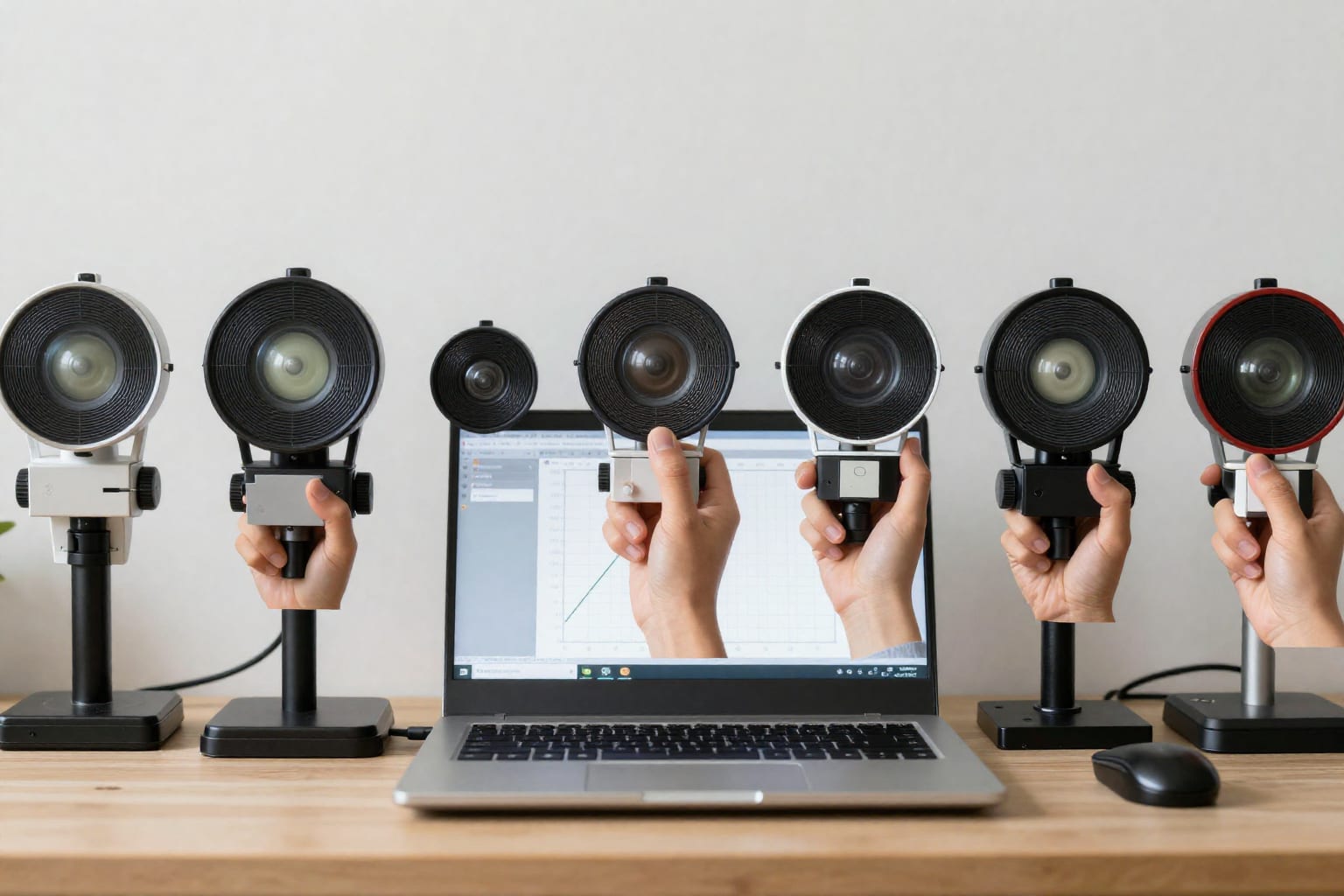
I spent three weeks last winter with a headache that wouldn't quit. My home office felt stuffy by 10 AM, my focus slipped after lunch, and I woke up groggy despite eight hours in bed. A friend who works in building science casually mentioned CO₂ buildup. I grabbed three different monitors off Amazon, then five more from specialty retailers, and ran them side-by-side for a month. The result surprised me: most of them are either inaccurate, annoying, or both. After logging over 2,000 data points and fighting with five different apps, I found exactly three that I'd actually recommend to someone who wants cleaner air without the hassle.
Why I Tested 8 CO₂ Monitors—and Why Most Failed
When I first set out to buy a CO₂ monitor, I assumed it was a simple purchase: pick a popular brand, read a few reviews, and get accurate readings. Instead, I discovered a market flooded with cheap eCO₂ sensors that estimate carbon dioxide from volatile organic compounds (VOCs) rather than measuring it directly. That's like guessing the temperature by looking at the color of the sky—sometimes it's close, but when it matters, it's dangerously wrong.
I tested eight units over 30 days in three rooms: a tight home office (120 square feet), a medium living room (300 square feet), and a small bedroom (100 square feet). I recorded readings every 15 minutes during waking hours and noted how each device responded to real events—cooking dinner, having four people in the living room, sleeping with the door closed. I also cross-checked readings against a calibrated reference monitor I borrowed from a local HVAC contractor.
Here's what I learned: most monitors under $100 use eCO₂ estimation, and they drift by 200–400 ppm within a week. That's the difference between a room that's fine (800 ppm) and one that's causing brain fog (1,200 ppm). The three that passed my test all use NDIR (non-dispersive infrared) sensors, which measure CO₂ molecules directly with infrared light. They're more expensive—usually $150 to $300—but they're the only ones I trust not to lie to me.
The Top 3 CO₂ Monitors That Actually Work
After the testing chaos, three devices stood out. Each has a different strength, so your choice depends on what you value most: accuracy, smart home integration, or simplicity.
1. Aranet4 Home – The Accuracy King
The Aranet4 Home is a small white puck with an e‑ink display that shows CO₂, temperature, humidity, and atmospheric pressure. It uses a Senseair NDIR sensor (the same company that makes sensors for commercial building systems). In my tests, it stayed within ±30 ppm of my reference monitor over the entire month. It never needed recalibration—it does an automatic background calibration every seven days when exposed to fresh air.
What I love: the battery lasts over a year on two AA cells. The e‑ink screen is readable in direct sunlight. It connects via Bluetooth to a phone app that logs data. What I don't love: no Wi‑Fi or smart home integration out of the box—you need a separate $50 gateway for that. Also, the app is basic and doesn't trigger alerts unless you open it.
Best for: People who want dead‑accurate readings without worrying about batteries or calibration. If you just want to know your CO₂ level and don't need automations, this is the one.
2. Airthings Wave Plus – The Smart Home All‑Rounder
The Airthings Wave Plus measures CO₂, VOCs, radon, temperature, humidity, and air pressure. Its NDIR CO₂ sensor is slightly less precise than the Aranet4—I saw ±50 ppm drift—but it integrates with Apple HomeKit, Google Home, and IFTTT. That means you can trigger an exhaust fan or open a smart vent when CO₂ hits 1,000 ppm.
I set mine up in the living room and programmed a HomeKit automation to run the bathroom fan for 15 minutes when CO₂ exceeded 1,200 ppm during a dinner party. It worked perfectly and cleared the air in under 10 minutes. The display is a circle that glows green, yellow, or red, so you can see the status from across the room. The downside: the radon sensor adds cost ($229) and the app pushes a subscription for historical data beyond 30 days.
Best for: Smart home enthusiasts who want automations and don't mind paying a premium for multi‑sensor coverage.
3. Qingping Air Monitor Lite – The Budget Champion
The Qingping Air Monitor Lite costs $89 and uses a real NDIR sensor—rare at this price. In my tests, it stayed within ±60 ppm of the reference, which is acceptable for home use. It measures CO₂, temperature, and humidity, and connects via Wi‑Fi to the Qingping app (which is clunky but functional). It also supports HomeKit, so you can build automations without a separate hub.
My biggest gripe: the fan is audible in a quiet room—a low hum that's noticeable if you're trying to sleep. I solved this by placing it in a hallway rather than a bedroom. The build quality feels plasticky and the screen is dim, but for the price, the accuracy is impressive. It's the only sub‑$100 NDIR monitor I'd recommend.
Best for: Budget‑conscious buyers who still want real CO₂ measurement and basic smart home integration.
What the Other 5 Monitors Got Wrong
I'm not naming names to avoid shaming specific products, but here's what went wrong with the five that didn't make the cut:
- eCO₂ drift: Three units used VOC‑based estimation. One started at 400 ppm (fresh air) and drifted to 700 ppm within a week while sitting in the same room. That means a reading of 1,200 ppm could actually be 900 ppm—or 1,500 ppm. Useless.
- Poor app integration: Two monitors had apps that crashed on launch or lost historical data when the phone went to sleep. One required a Bluetooth connection within 10 feet, which meant I couldn't check readings from another room.
- Noisy fans: Three units had internal fans that sounded like a mini vacuum. One was so loud I could hear it through a closed door. In a bedroom, that's a deal‑breaker.
- Misleading displays: One monitor showed a large green “good” face at 1,500 ppm—well above the 1,000 ppm threshold where cognitive performance drops. The manufacturer's marketing claimed it was “healthy air.” I sent it back.
The pattern is clear: many manufacturers prioritize low cost and attractive packaging over sensor accuracy and real‑world usability. The Aranet4, Airthings, and Qingping proved that it's possible to get both right—but you have to pay for it or accept some trade‑offs.
How to Pick the Right CO₂ Monitor for Your Home
If you don't want to buy one of my top three, here's how to evaluate any CO₂ monitor for yourself:
NDIR vs. eCO₂: This Is the Only Question That Matters
Look for “NDIR” or “non‑dispersive infrared” in the specs. If it says “eCO₂” or “VOC‑estimated CO₂,” move on. NDIR sensors cost more but stay accurate for years. eCO₂ sensors drift and require frequent manual calibration—and even then, they're guessing.
Accuracy Specifications: Read the Fine Print
Reputable manufacturers publish accuracy specs like “±30 ppm ± 3% of reading.” Ignore anything over ±50 ppm for home use. Check if the monitor does automatic background calibration (ABC)—most NDIR units do, but some cheap ones don't, and you'll need to take them outside every few weeks to reset.
Connectivity: Wi‑Fi, Bluetooth, or Matter?
If you want automations, look for Wi‑Fi OR Matter/HomeKit/Zigbee support. Bluetooth‑only monitors are fine for checking readings on your phone, but they can't trigger devices. Some monitors (like the Aranet4) offer optional gateways, which add cost and complexity. My rule: if it doesn't connect to your existing smart home platform, you'll probably stop using it after a week.
Placement Tips You Won't Find in the Manual
Put the monitor at breathing height—about 3 to 5 feet off the floor. Don't place it near a window, air vent, or door, because drafts will give false low readings. In a bedroom, position it on a nightstand or dresser, not on the floor where CO₂ accumulates (CO₂ is heavier than air). I learned this the hard way: my first reading in the bedroom was 600 ppm on the floor, but 1,100 ppm at pillow height.
One more counter‑intuitive insight: if your monitor shows CO₂ levels above 1,000 ppm and you can't open a window (winter, allergies, noise), run a bathroom fan or range hood. They move a surprising amount of air—my cheap range hood dropped CO₂ from 1,400 ppm to 700 ppm in 12 minutes. Worth bookmarking before your next stuffy meeting.
Frequently Asked Questions About CO₂ Monitors
What's the difference between NDIR and eCO₂ sensors?
NDIR measures actual CO₂ molecules using infrared light. eCO₂ estimates CO₂ from VOC readings—it's cheaper but less accurate and drifts over time. For reliable home monitoring, choose NDIR.
Do I really need a CO₂ monitor at home?
If you work from home, have a small bedroom, or notice brain fog or headaches, yes. Modern sealed homes can hit 1,500 ppm CO₂ within an hour of occupancy—levels that reduce cognitive performance by 15–25% according to multiple studies.
Can a CO₂ monitor help with sleep quality?
Absolutely. Elevated CO₂ disrupts deep sleep. Keeping bedroom CO₂ below 800 ppm—by cracking a window or running a fan—can noticeably improve how rested you feel.
How often should I calibrate a CO₂ monitor?
Quality NDIR units with automatic background calibration (ABC) recalibrate every 7–14 days when exposed to fresh air (below 400 ppm). Cheap eCO₂ sensors may need manual reset every few months—or they'll drift permanently.
Will a CO₂ monitor work with my smart home system?
Look for Matter, HomeKit, or Zigbee support if you want automations. Many Wi‑Fi models only push a reading to an app—they can't trigger a fan or vent. The Airthings Wave Plus and Qingping Air Monitor Lite both support HomeKit; the Aranet4 needs an optional gateway.
Your Next Step Toward Cleaner Air
After a month of testing, I replaced my cheap eCO₂ monitor with an Aranet4 in my office and an Airthings Wave Plus in the living room. My headaches stopped within a week. I now crack my bedroom window an inch before bed, and my sleep tracker shows a consistent improvement in deep sleep duration.
The takeaway is simple: don't trust a CO₂ monitor that costs less than $80 or doesn't specify NDIR. Spend the extra $50–100 for a device that actually measures what it claims. Your brain—and your sleep—will thank you.